Incident List View: My Calls vs All Calls
Both the iPad and the Portal have the ability to filter the Incident list by My Calls vs All Calls.
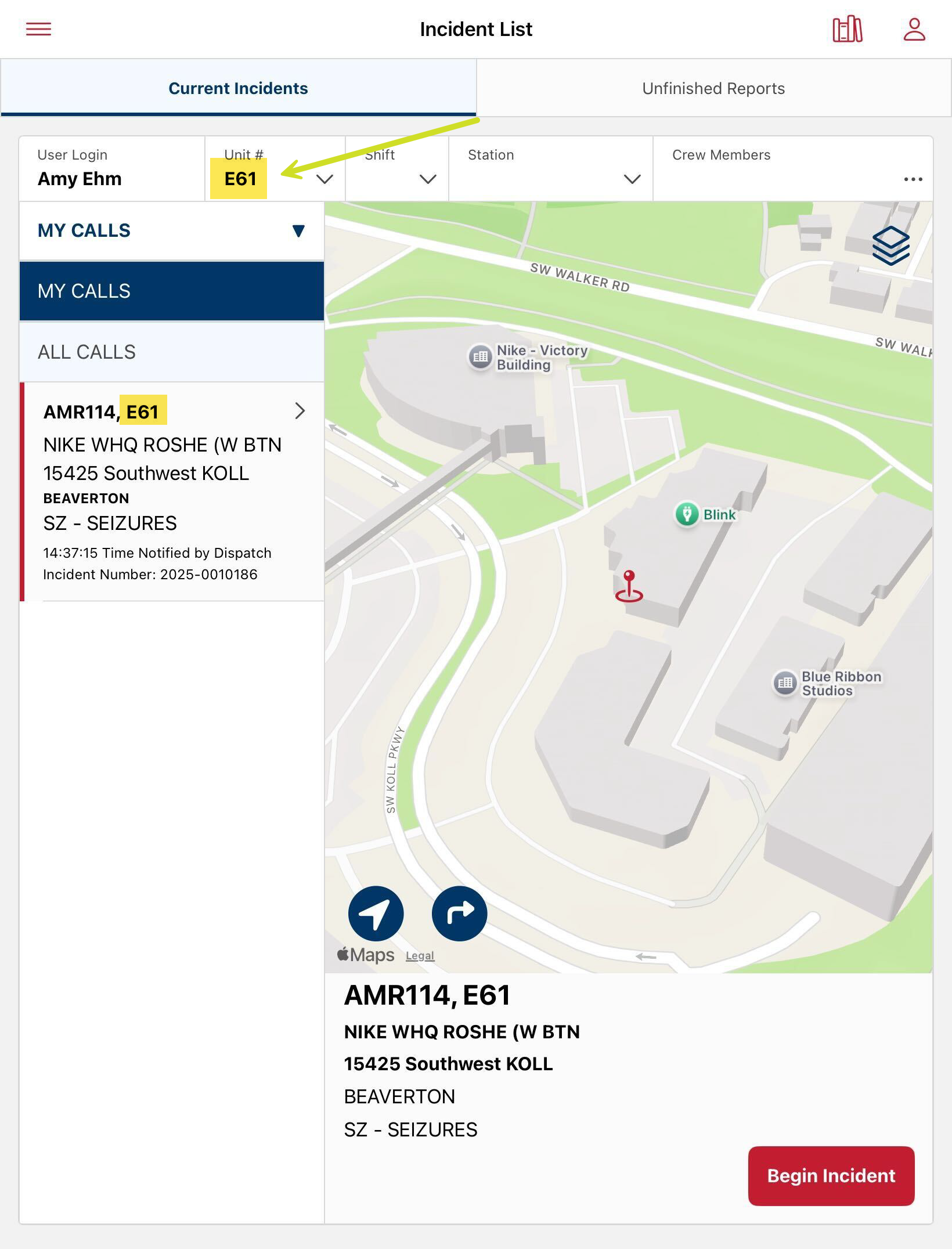
On the iPad, the My Calls filter displays:
- Any incidents you started a report for, and have not hit End Report
- Any incident with your Unit assigned to the incident
- Any incident where you are a named resource (when staffing information is available)
On the iPad, All Calls displays:
- All calls that have not been ended that occurred in the last 24 hours
On the Portal, My Calls displays:
- Any incident you started on the iPad
- Any incident where you were a named resource
- NOTE: My Calls also applies all other filters set on the Incident list view.
On the Portal, All Calls displays:
- All calls based on the filter criteria set above.
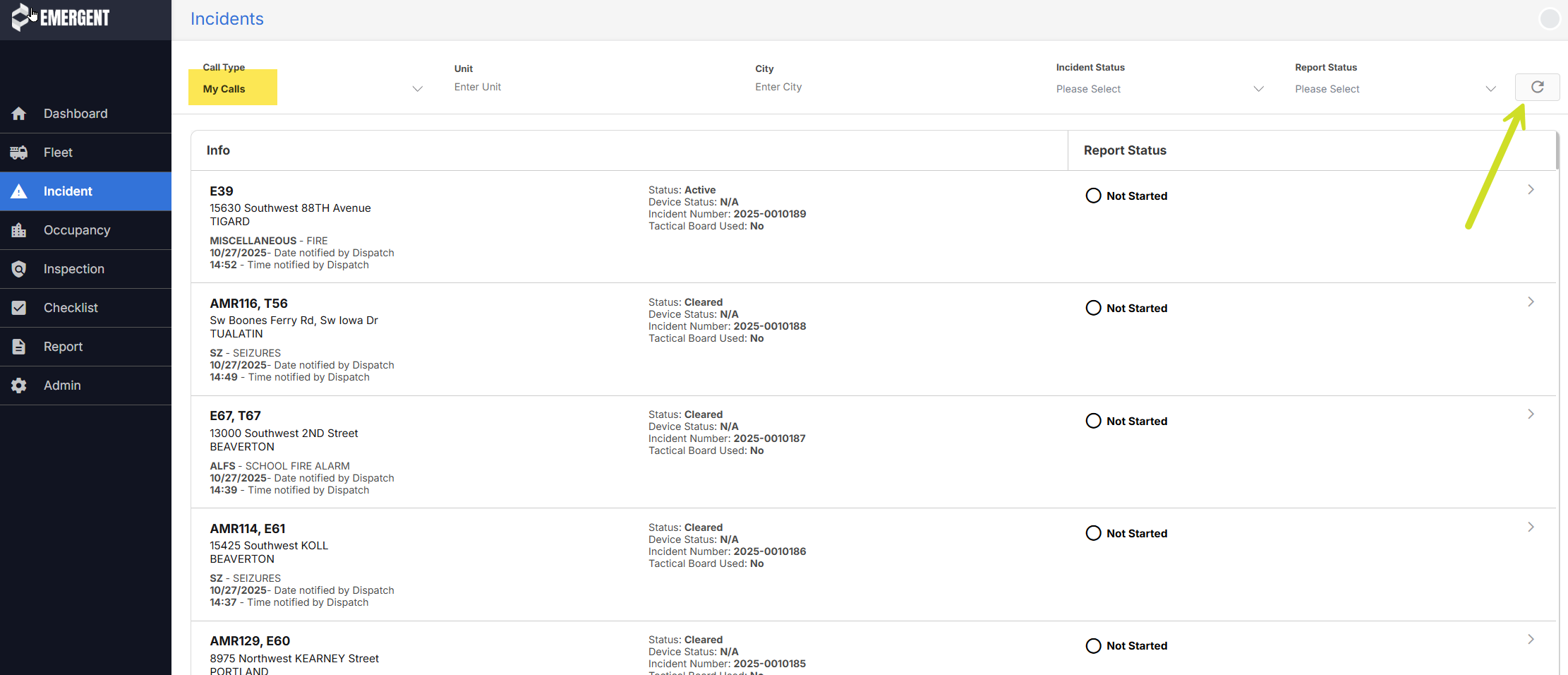
NOTE: In addition to the My Calls or All Calls filter setting, all other filter values will be applied to the incident list results.
NOTE: By default, the incident list loads the first 100 incident records based on the filter criteria. To load additional results, scroll down on the page.
TIP: In addition to the filter values available, users can search the incident list by using CTRL+f, or CMD+f. The search box however will only search records that are displaying on the page. If the incident you are searching for is older than the first 100 results, scroll down on the list and then perform the search. You can search by any value in the incident summary record with this method.
Was this article helpful?
That’s Great!
Thank you for your feedback
Sorry! We couldn't be helpful
Thank you for your feedback
Feedback sent
We appreciate your effort and will try to fix the article