Navigational Overview
The Emergent iPad app is designed to provide simple interactions in a mobile environment and takes advantage of Apples built in capabilities.
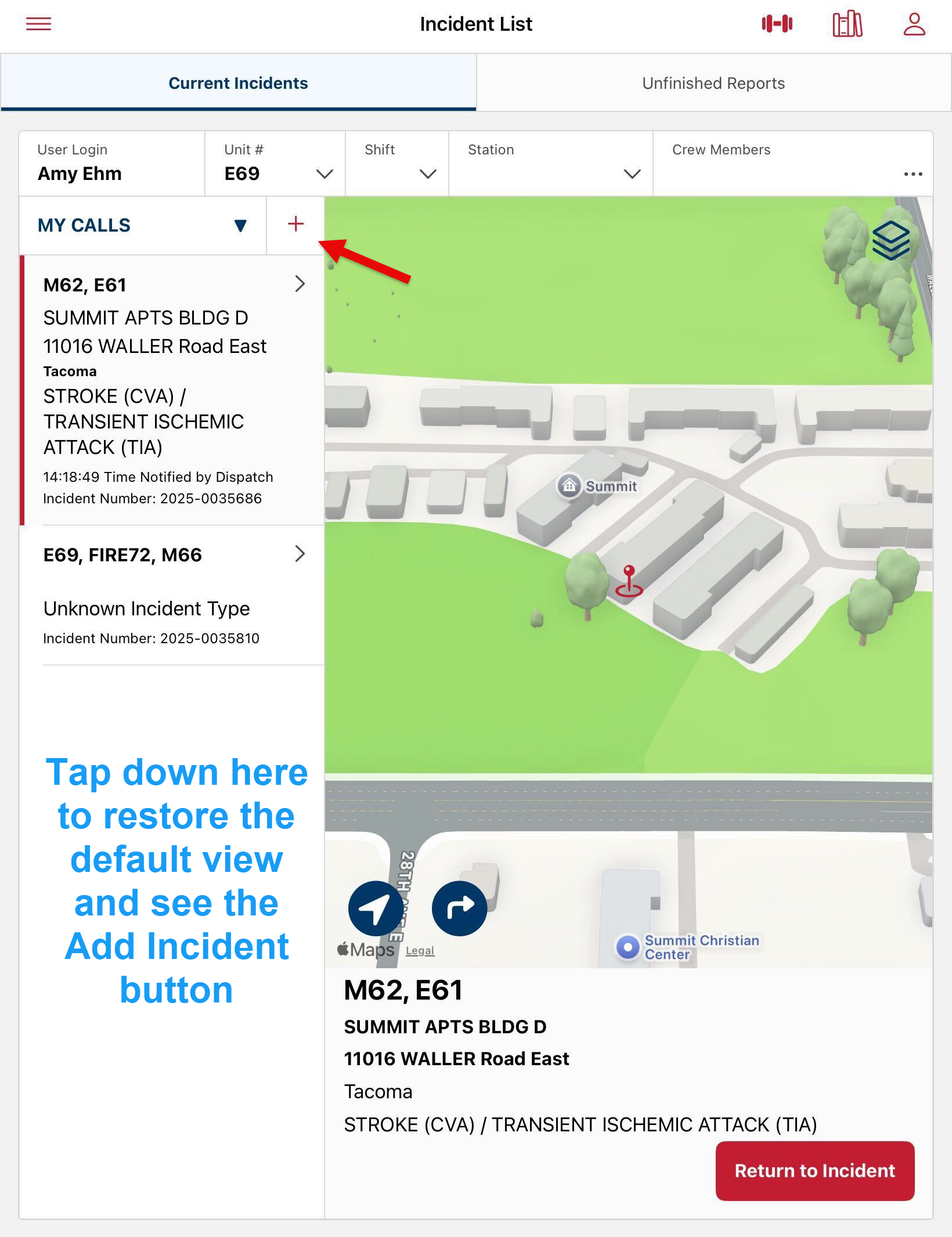
In the iPad app, users can select an incident that was loaded from CAD or they can create an incident by tapping on the next My CALLS/ALL CALLS dropdown. If theis not visible, then tap on the white space below the incident list to restore the default view.
Once the user enters an Incident, the tabs at the top of the screen take them to the NERIS report, Tactical Board, Tactical Board Timeline, Attachments and the Narrative.
On the Bottom of the screen there are tools that are accessible from every tab.
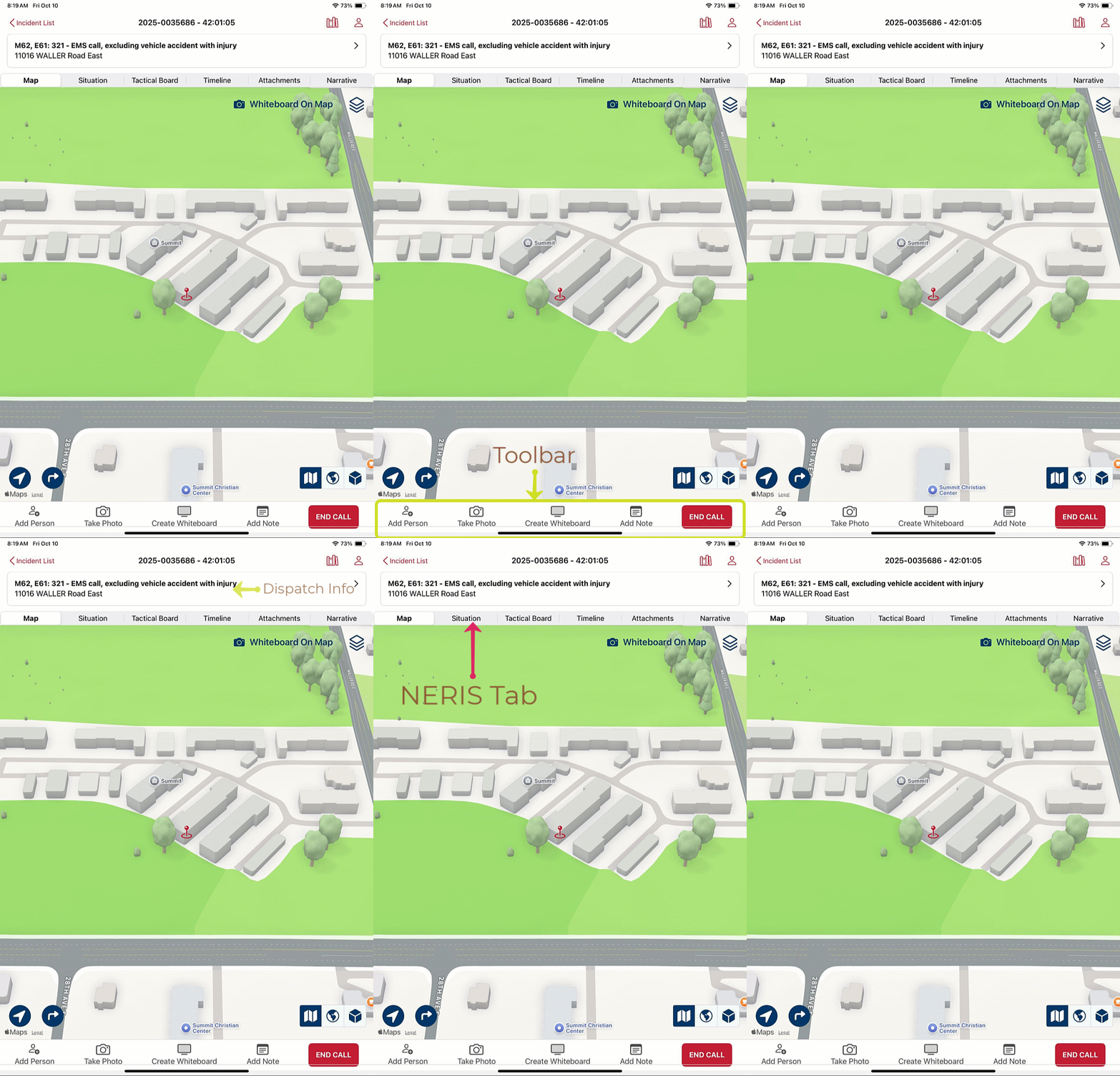
A brief Navigational Tour of the iPad App.
Was this article helpful?
That’s Great!
Thank you for your feedback
Sorry! We couldn't be helpful
Thank you for your feedback
Feedback sent
We appreciate your effort and will try to fix the article